The prints are the reason I’d buy it again
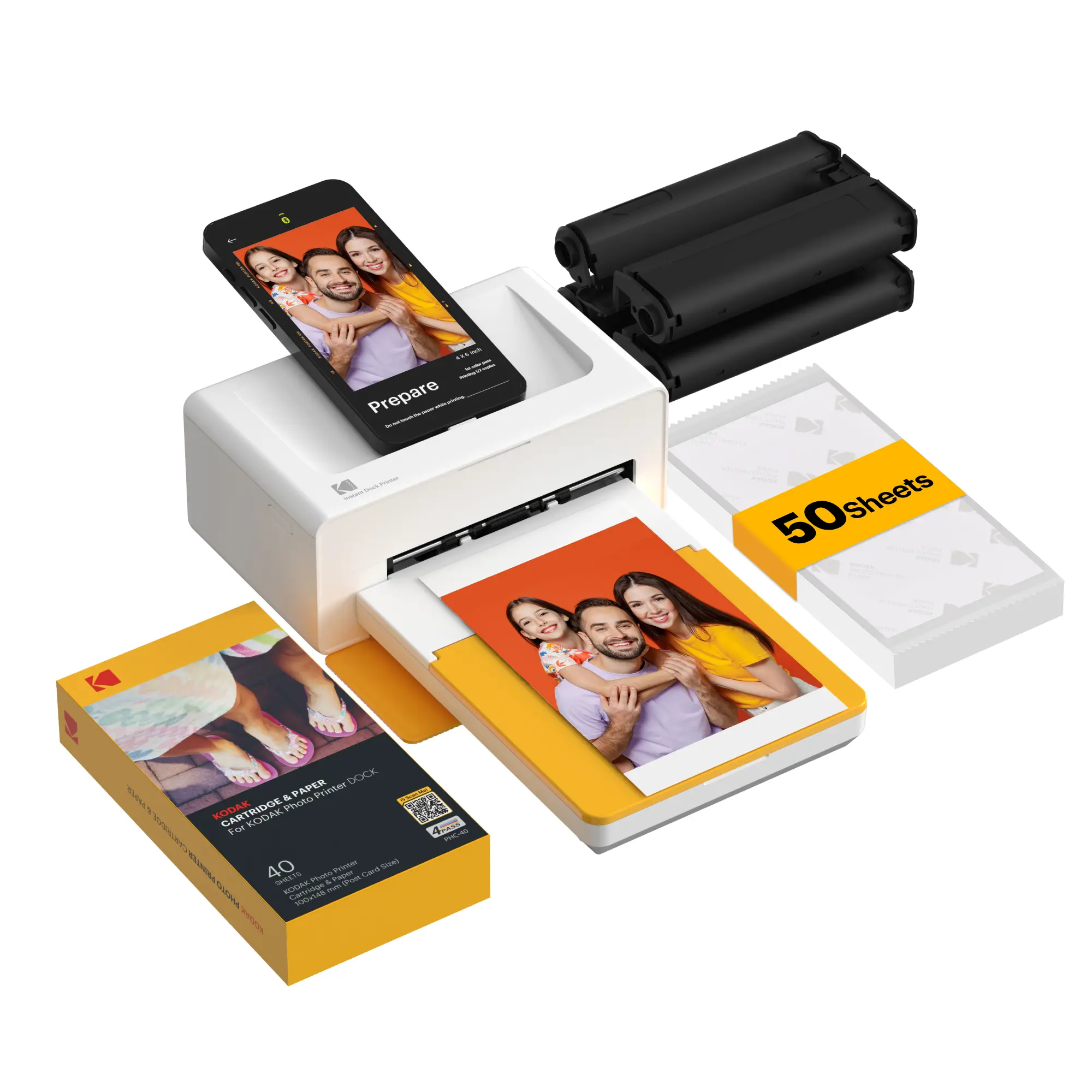
I’ve only had the Dock Plus for a few days, but I’ve already used up the first ink cartridge. That gave me enough time with it to get past the excitement of the first print. The photos are exceptionally good to my eye: bright, vibrant color and a smooth finish that looks like a proper photo instead of something that came off a regular home printer.
I also printed a logo I made for one of my websites to see how it would handle a solid block of color. That was a more revealing test than another photo. The color came out solid, with no visible lines running through it. I haven’t measured color accuracy with instruments, but I’m very happy with what I can see.
Watching a print come together
The print moves through the machine several times. Each pass puts down another color from the cartridge’s ribbon, followed by a clear protective layer. The four-pass process is interesting to watch, and in everyday use it feels quick. I didn’t time it with a stopwatch, so I’m leaving an exact seconds-per-print claim to the listing rather than calling it my own result.
That is my visual check from the unit I bought, not a lab measurement of color accuracy or print longevity.
Phone connection and power
I’ve printed over Bluetooth and by plugging my phone directly into the USB-C dock. The Bluetooth connection has stayed solid for me. Docking is handy when I have several photos to print: the printer charges my phone while it’s plugged in, so I’m not watching the battery drain as I work through a batch.
It folds up neatly enough to carry or put away, but portable here doesn’t mean cordless. The printer needs its power adapter plugged into an outlet; there’s no internal battery to run it by itself. That’s worth knowing if you picture taking it outdoors or to an event without power nearby.
What I’d change
I wish it came with a simple carry case. It doesn’t need anything fancy. Even an inexpensive zippered canvas case would make the printer and its pieces easier to take along. For now, I keep mine in the box when I’m not using it.
My take
For the photos I’ve made so far, the Dock Plus delivers the part that matters most: prints I actually want to keep. The vivid color, clean solid areas, easy phone connection and charging dock make it a solid buy for me if you want 4×6 photos at home and have an outlet nearby. I like it enough that I want to try some of Kodak’s other photo printers. I’ll update this review if longer use changes my mind.
My purchased unit after a few days of use and one ink cartridge. Print quality, Bluetooth stability, docking, phone charging, power requirements and storage are first-hand observations. I have not run timed print tests, calculated cost per print, or measured archival life.
Listing note: The shared link is the product page I copied from my order. TikTok Shop may show different bundle options, so check the selected sheet and cartridge quantities before buying.
Want to look at this one?
This is the link I copied from my actual order. Check the selected bundle, seller, price and included supplies before ordering; those details can vary.
View the TikTok Shop listing
Comments
Questions, results from another unit, and respectful disagreement are welcome. Please read our comment policy before posting.